
According to Common Sense Media, around 40% of kids have a tablet by age two, and nearly one in four already owns a personal phone by age eight. Childhood has gone digital. Like it or not, that’s the reality now, and fighting technology altogether just doesn’t work.
But when a phone starts stealing sleep, hurting focus, or replacing real conversations, that’s your cue to step in. One practical option is to lock your child’s phone remotely.
In this article, you’ll learn how to do that with a parental control app like mSpy or Apple’s built-in tools. Let’s get into it.
Table Of Contents
Solution 1: mSpy
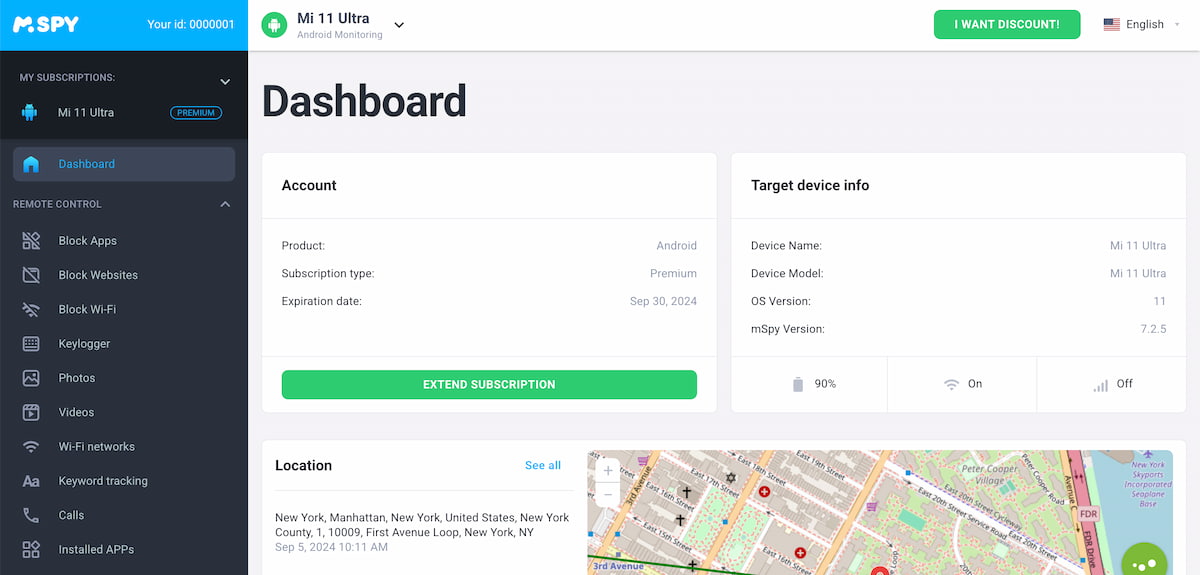 mSpy is a parental monitoring app that lets you see what’s happening on your child’s phone. One of mSpy’s key strengths is its remote control capabilities. While no app can completely lock a kid’s iPhone remotely, mSpy lets you block its main functions. Namely:
- App Blocking: You can block specific apps with a few taps. Social media, games, messaging apps — whatever.
- Website Blocking: You can also block websites you’d rather your child not visit. Once a site is on the block list, it’s simply off-limits.
- Wi-Fi Blocking: You can also block Wi-Fi, which stops online apps from working. It’s an easy way to pause all internet activity during homework time, late at night, or whenever you feel it’s necessary.
This way, you’re not taking the phone away. You’re just limiting the parts that cause trouble. Because the real issue isn’t the phones themselves—it’s how they’re used. Apps like mSpy help you guide that use instead of fighting it.

Solution 2: Screen Time Feature
 Apple’s built-in Screen Time feature is a straightforward option if you want to cut back on your child’s phone use. However, you can’t turn off your child’s phone remotely with it. You still need the phone in your hands to set everything up.
Here’s how it works:
- Take their device and unlock it.
- Open Settings.
- Tap Screen Time.
- From there, you can set downtime hours, limit how long apps can be used, and choose which apps are always allowed.
- Then, create a Screen Time passcode that only you know. Otherwise, kids will find a way around it.
Keep in mind that the limits run on a schedule. Once they’re set, they kick in automatically. That’s where it can feel a bit rigid.
For example, if your child is in the middle of an important chat with a friend, Screen Time doesn’t know that. The phone locks when the timer runs out, which can lead to frustration or awkward moments.
Parental control apps work differently. They let you see what’s happening in real time and step in when it makes sense. You can wait until a conversation ends, then block the app. With Screen Time, you’re trusting the clock to make that decision for you.
Solution 3: Find My iPhone (If Your Child Has Lost Their Phone)
 Let’s look at the moment every parent dreads — your child loses their phone. In that situation, asking, “How can I lock my child’s iPhone remotely?” just makes sense. Locking the device right away helps keep strangers out of private messages, photos, and even saved payment cards.
That’s when Apple’s Find My feature comes to the rescue. If it was turned on before the phone went missing, you can lock the device from anywhere and keep your child’s data safe until it’s found.
Here’s what to do:
- Go to iCloud.com/find from any browser, or open the Find My app on another Apple device
- Sign in using your child’s Apple ID
- Select their iPhone from the device list
- Turn on Lost Mode
Lost Mode locks the screen using the phone’s existing passcode and lets you display a custom message — something simple, like a phone number or “This phone belongs to a child. Please call.” Find My can be a real lifesaver in moments like this.
Why Parental Control App Is the Best Solution
 Native tools like Apple Screen Time are fine for basic controls. You can set time limits and block some apps. But that’s about it. You don’t really see what’s happening on their phone — who your child is talking to, what they’re searching for, or whether something risky is going on.
Instead of just lock an iPhone for kids, you can stay informed about their online activities, protect them, and block exactly what is harmful. That’s the idea behind tools like mSpy.
With it, you can:
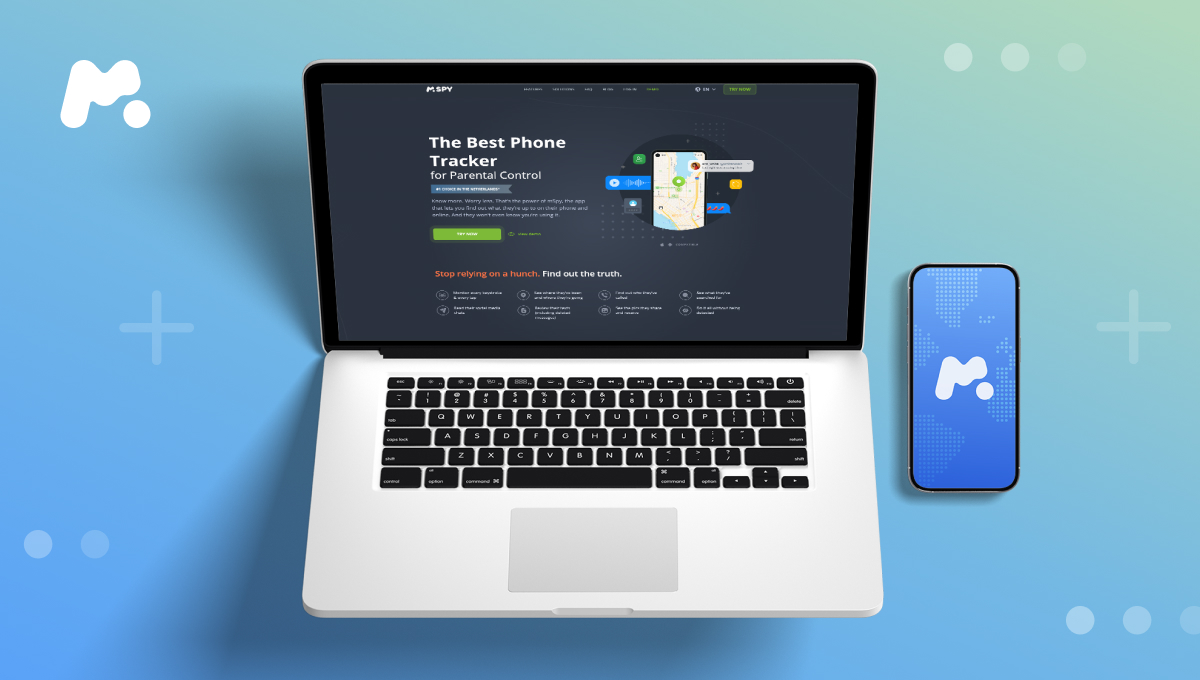
- Read private chats on Instagram, Snapchat, Viber, WhatsApp, and others
- Listen to call recordings and see full call details
- Check location history
- See conversations with ChatGPT or Gemini
- Access photos, videos, and files stored on the phone
- See Google searches, opened links, and downloaded files
But can parental controls lock a phone remotely? Not really — not in the strict sense. They block what actually matters.
Don’t want your child chatting with strangers? Block Snapchat. Don’t want them using AI? Block ChatGPT. Don’t want access to 18+ sites? Block them all. Want them offline for a while? Block Wi-Fi.
The key difference is that you know what’s happening and act when needed. That’s what makes this approach effective.