

Parenting is a series of endless decisions. What to feed them. What activities to sign them up for. Curfew deadlines. And every time you make a new decision, you can’t help but wonder if you’re doing the right thing.
One of the most important decisions you’ll ever make is choosing how you let your kids live their life online. Do you give them the independence they crave and cross your fingers? Or do you install the best phone monitoring app on their device and worry a little bit less?
If you decided that a monitoring app is the way to go, you’ve got one more decision to make. Which one of the top 7 monitoring solutions in this review is right for you? Let’s dig in.
Table Of Contents
mSpy
 There’s a reason mSpy is the monitoring app trusted by millions of parents around the world. The Android and iOS parental monitoring solution gives parents the power to really see what their kids are doing on their phone.
Once installed, mSpy lets you review your kids’ social media messages, block apps, view browsing history, see their current and previous locations, and more.
And it lets you do it all through several powerful tools that you can’t find anywhere else. No wonder some parents call it the Swiss Army Knife of phone monitoring software.
Standout features:
• Live Screen Streaming. See a live feed of their phone as they use it.
• Live Screenshots. Take screenshots of their phone, all remotely from your phone monitoring software account.
• AI Tools. Find out what they’re saying on ChatGPT and Gemini.
• Remote Camera. Activate their camera and see what they’re up to.
• Activity Timeline. See how they used their phone on a specific day.
Things to keep in mind:
The installation process takes longer than some other apps, but that’s to be expected given the advanced nature of the cell phone monitoring app.


Bark
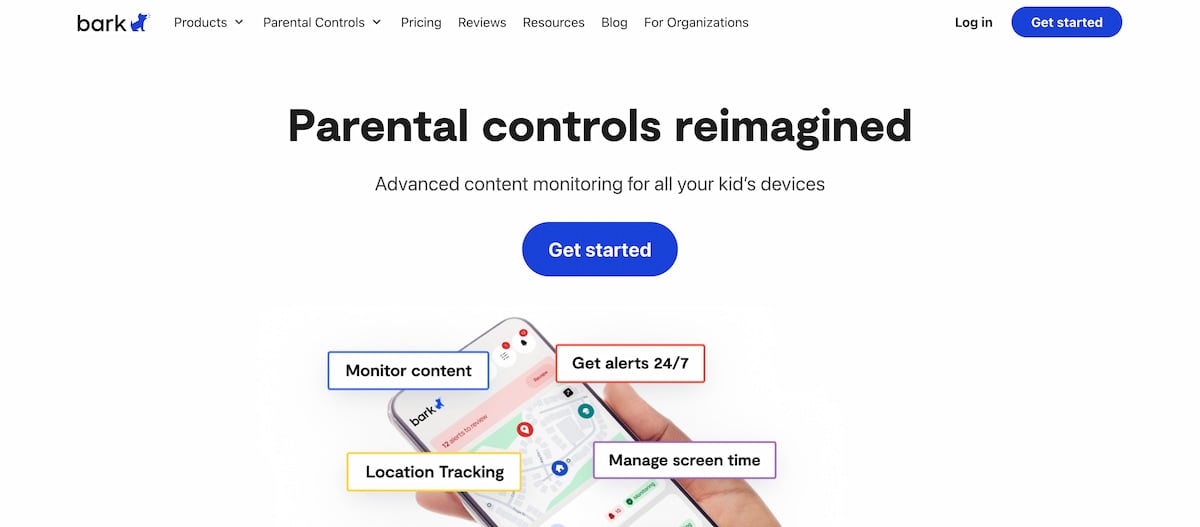 Bark is a solid mobile monitoring app loved by parents and respected by teens. Parents like it for the insights they get into their kids’ online habits. And teens love it because it doesn’t give parents full access to their private conversations.
Standout features:
• Calendar Control. Create healthy limits by managing the time they spend online or on specific apps.
• Background Scanning. Bark lets you know if it detects something concerning, like bullying.
• App or Bark-branded Phone. You can purchase a Bark Phone if your kids don’t already have a smartphone.
Things to keep in mind:
If you’re looking for mobile monitoring apps that work in hidden mode, Bark isn’t the best choice.
Norton Family
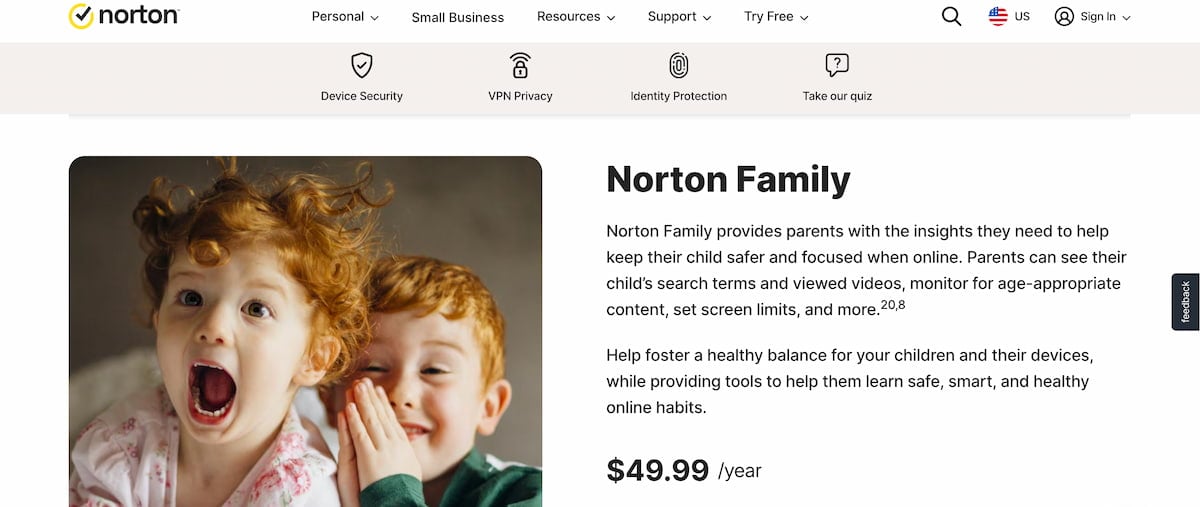 If you’ve got little kids who are just starting to go online, Norton Family is a great cell phone monitoring app. And yes, it’s that Norton — the same company that’s famous for squashing viruses on millions of PCs all over the world.
Standout features:
• School Time. Create a list of learning-approved websites that your kids’ can visit during the school day and help them avoid distractions.
• Check In. Your children can let you know their current location with just a few taps.
Things to keep in mind:
• While it’s priced well at just a few dollars a month, it lacks a lot of features of some of the more robust mobile monitoring apps.
• Doesn’t work in stealth mode, so they’ll know that you have access to their content.
Qustodio
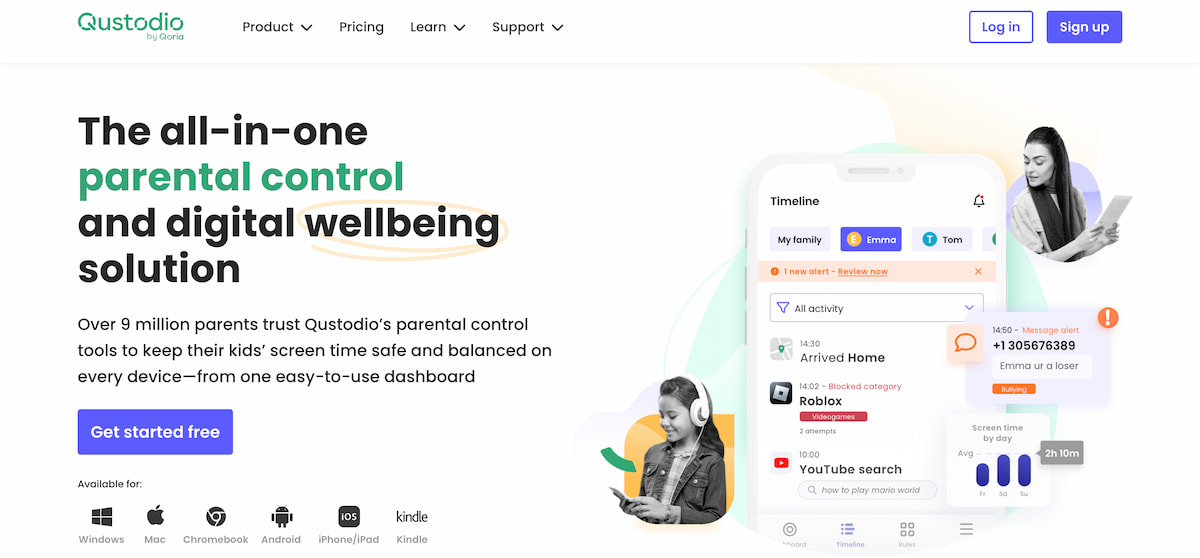 Worried about your kids’ mental health? Limiting how much time they spend on their phone is a great place to start. And Qustodio is a smart mobile monitoring app to help you do just that.
The app is designed to help you limit how much time they spend online and (hopefully) avoid things like online addiction, sleep issues, and education issues.
Standout features:
• Advanced web filtering. Stop them from visiting websites or using apps that fall into specific categories.
• Track Calls & SMS. See who they called and who called them. And read the texts they send and receive.
• SOS Button. They’ll have the power to alert you quickly in an emergency.
Things to keep in mind:
There are two plans (Basic and Complete) and both are comparatively expensive for what you get.
Kidslox
 Another great app designed to help facilitate healthy screen habits, Kidslox is available for iOS and Android, right from the App Store and Google Play. Once installed on their device, you’ll have some powerful tools at your disposal, including a panic button and the ability to listen to their surroundings at the push of a button.
Standout features:
• Explicit Content Alerts. Kidslox scans for nudity and other inappropriate content.
• Task Rewards. Help your kids build healthy online habits and reward them for stepping away from their device.
• Remote Device Lock. Hit a button remotely and stop them from accessing their device.
Things to keep in mind:
Basic plan only covers one device and doesn’t include many of the features parents want, like search history, time rewards, bad search alerts, and nudity scanner.
Canopy
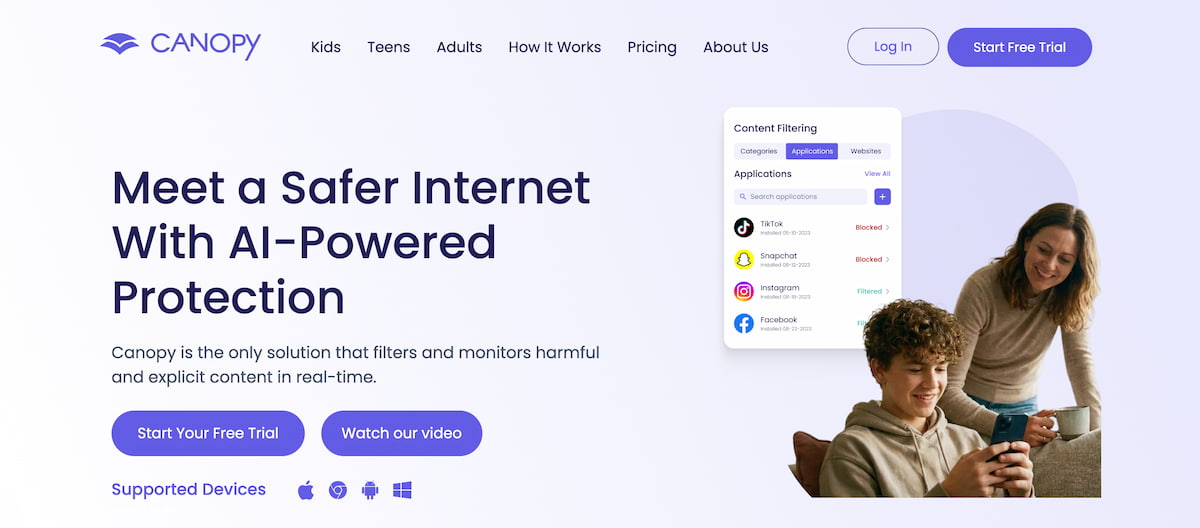 Many of the best phone monitoring apps on the market focus on screen addiction. But very few focus on porn addiction. Canopy is different. One visit to the Canopy website and you’ll quickly realize that they don’t dance around the topic of adult content.
In fact, they highlight real-time filtering and porn blocking along with sexting prevention as hallmark features.
Standout features:
• AI Filtering. Inappropriate content is filtered out in real-time from sites like Instagram and TikTok.
• Deter Sexting. Canopy’s AI engine detects sexting attempts and alerts parents before explicit content is shared.
Things to keep in mind:
Lacks advanced features like social media chat monitoring and live screen streaming.
FamilyTime
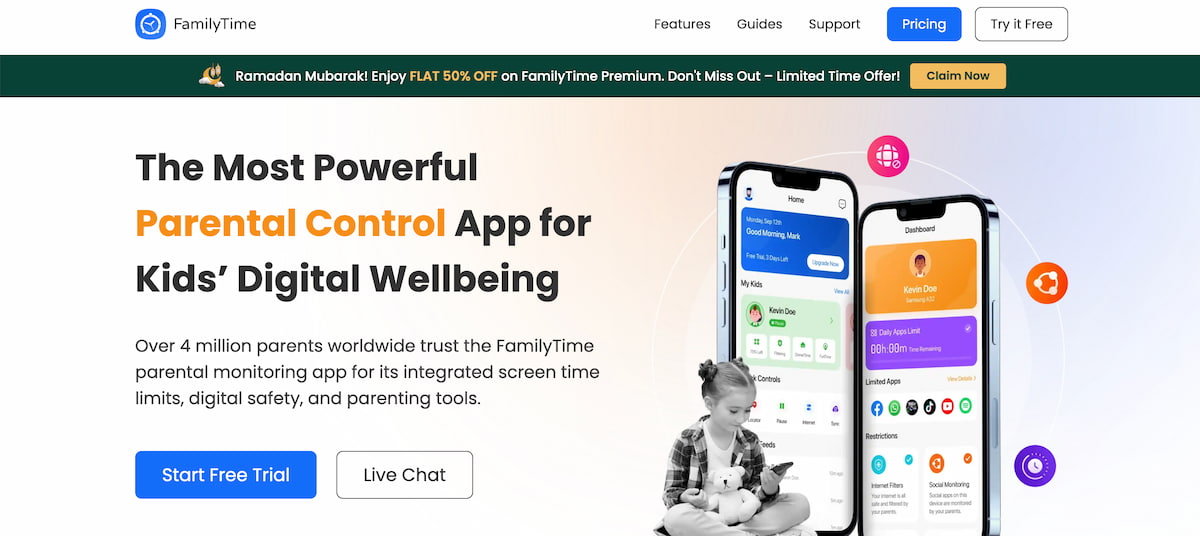 Keeping your kids safe isn’t just about making sure they’re using their phone responsibly. It’s about ensuring they’re doing the right thing in the real world.
FamilyTime has mastered both. It gives you the power to see their online activity and enhance their online safety. And when they’re out in the real world, you’ll know that they’re being safe thanks to features like PickMeUp Requests and TeenSafe Drive.
And while it’s not a free monitoring app, there is a free trial so you can kick the tires before making a decision.
Standout features:
• Driving Alerts. Find out if your teenager is speeding while behind the wheel.
• Text Monitoring. View their SMS messages to make sure they’re chatting with people you know and doing so safely.
• Social Media Monitoring. Read their chats on WhatsApp, Instagram, and other popular platforms.
Things to keep in mind:
While there’s great support for text and social media monitoring, FamilyTime lacks email monitoring.
Why More Parents Prefer mSpy
 There are lots of great phone monitoring software options for busy parents, but few offer the power and advanced feature set of mSpy.
If you need to know that your kids are using their phone responsibly, talking to people you approve of, and aren’t sharing content that they shouldn’t be sharing, mSpy is the best phone monitoring app available for your needs.
If you want to see it in action before you install it on your kids’ phones, check out the free demo on the mSpy website.